
How to enable the new look in ViewBoard OS 3.0
After completing the setup wizard, you'll land on the following home screen, with a prompt message asking if you'd like to switch to ViewBoard's new look:
 Home screen after first turning on a ViewBoard. A New Look Switch prompt appears at the bottom-right of the screen.
We recommend switching to ViewBoard's new look for an enhanced experience and all of ViewBoard's latest features. To begin the process, press the Learn More button in the prompt and then Let's Start in the ensuing popup.
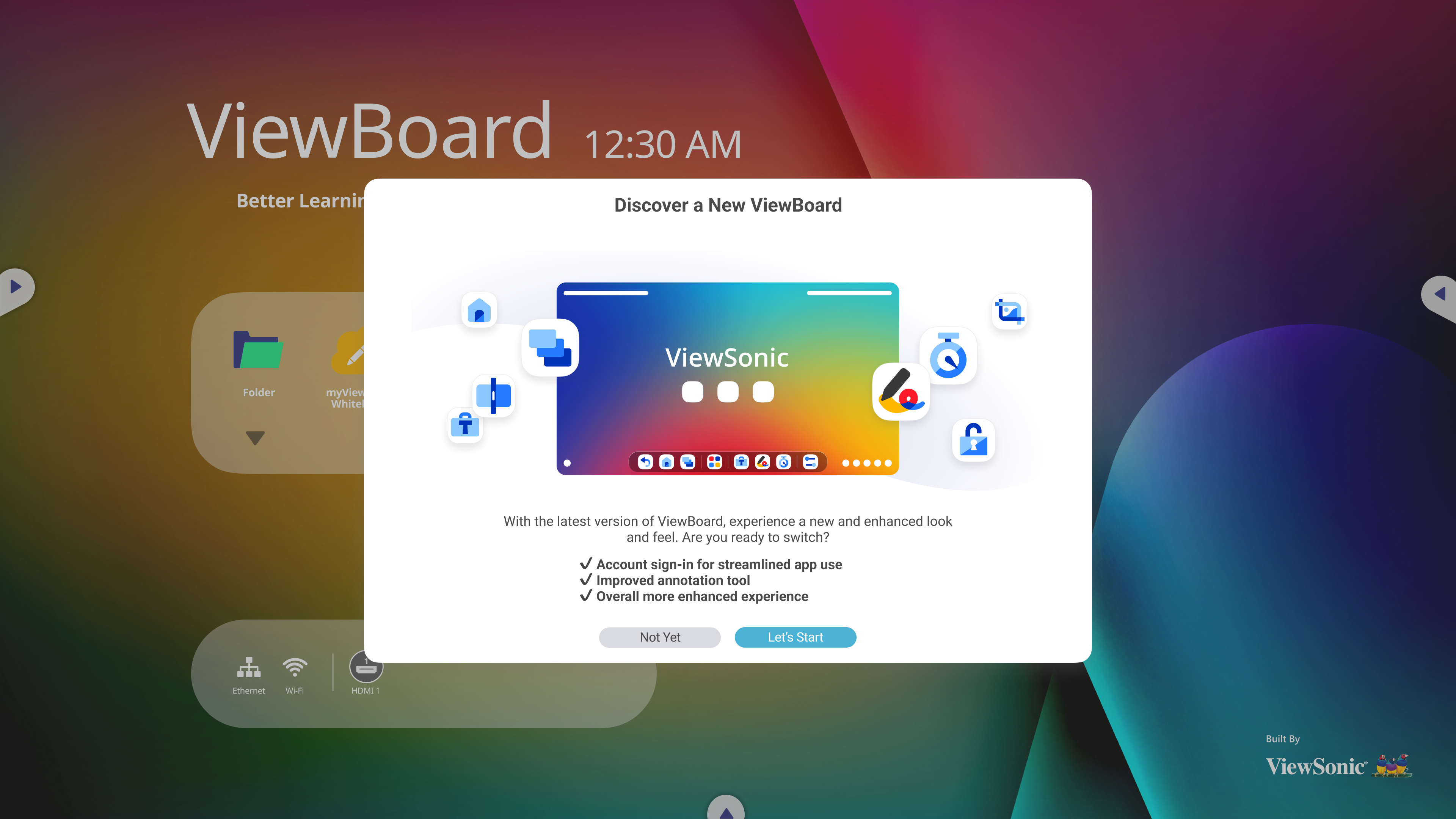 Prompt summarizing changes to ViewBoard's new look.
Wait for all processes to complete the download and install the new look.
 icon in the app tray.