
Quick Settings intro for ViewBoard 3.0
To access a Quick Settings menu, which includes input source options and display/audio settings, press the input source  button at the bottom-left of the screen, or press the input source icon
 in the side toolbar.
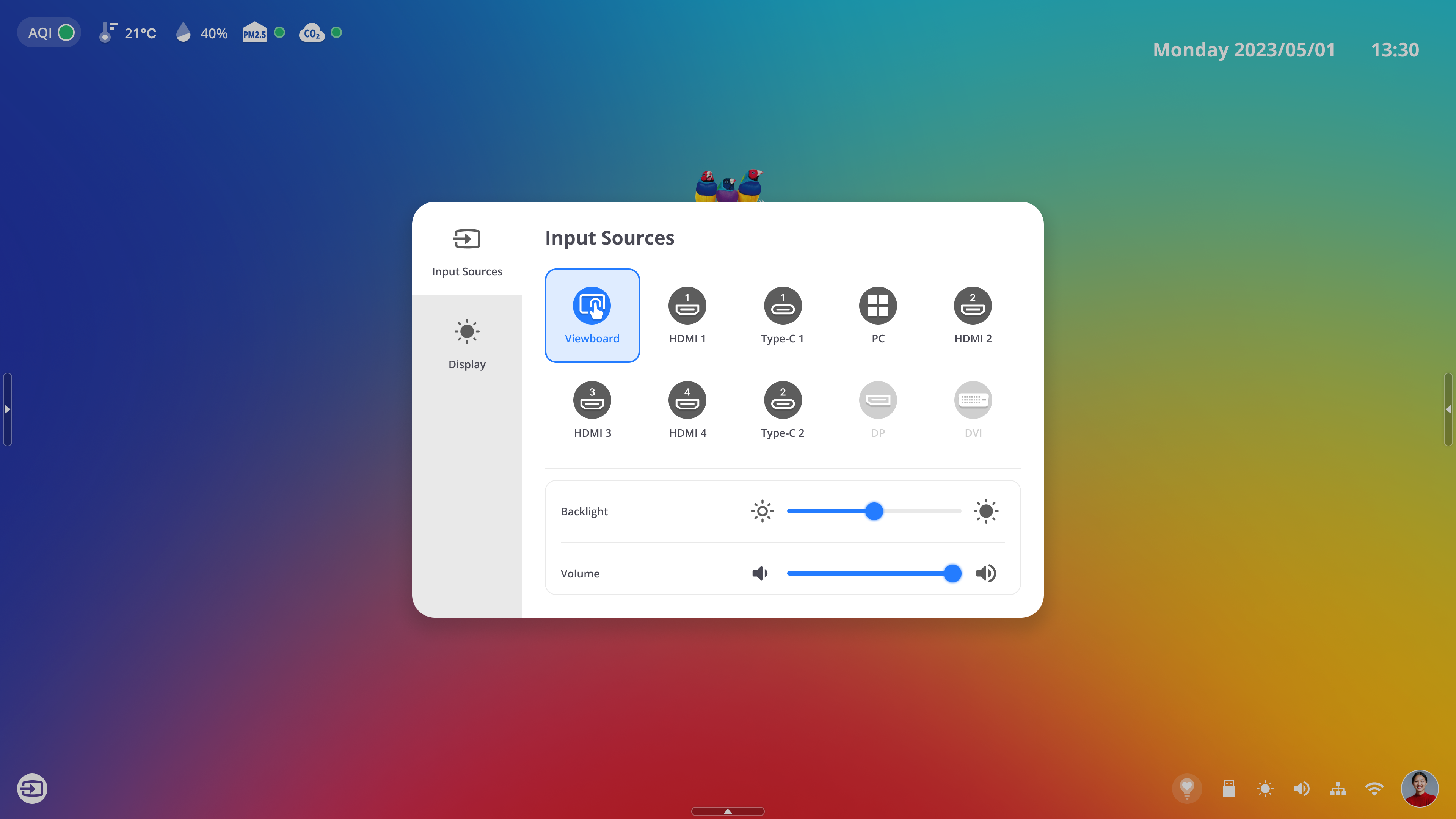 Quick Settings open with input tab selected, overlaying the home screen.